
Your to-dos next to your meetings.
Cadence keeps task lists in the same app as the calendar, and one search box looks across both. Both pages below are real captures of Cadence running on the fictional StrataForge Robotics calendar of Daniel Xu.
Task lists
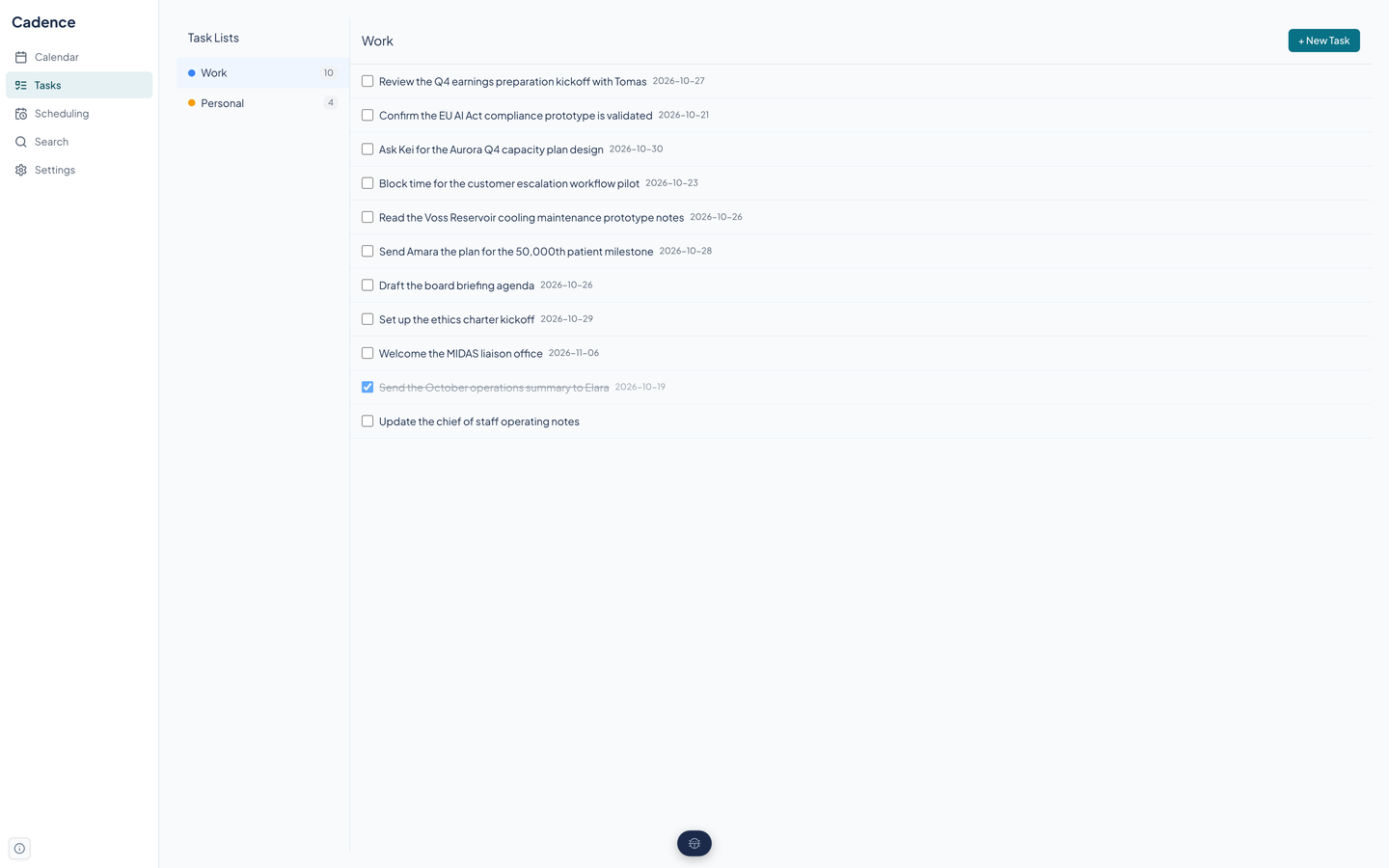
Tasks live in lists, such as Work and Personal, each with its own color and a count. Open a list to see its tasks, tick the check box to finish one, and open a task for its notes and priority.
A task has a title, notes, a due date and optional time, a priority of none, low, medium, or high, and an optional repeat rule. Finishing a repeating task creates its next occurrence.
- New tasks come from the form on the page, or from the API and agent tools, which can also read a sentence such as a title with a date and make a task of it.
- Overdue tasks are one call away in the API and agent tools (list_overdue_tasks).
- Slate's tasks can appear on a calendar through the fleet link, and checking one off in Cadence checks it in Slate.
Search
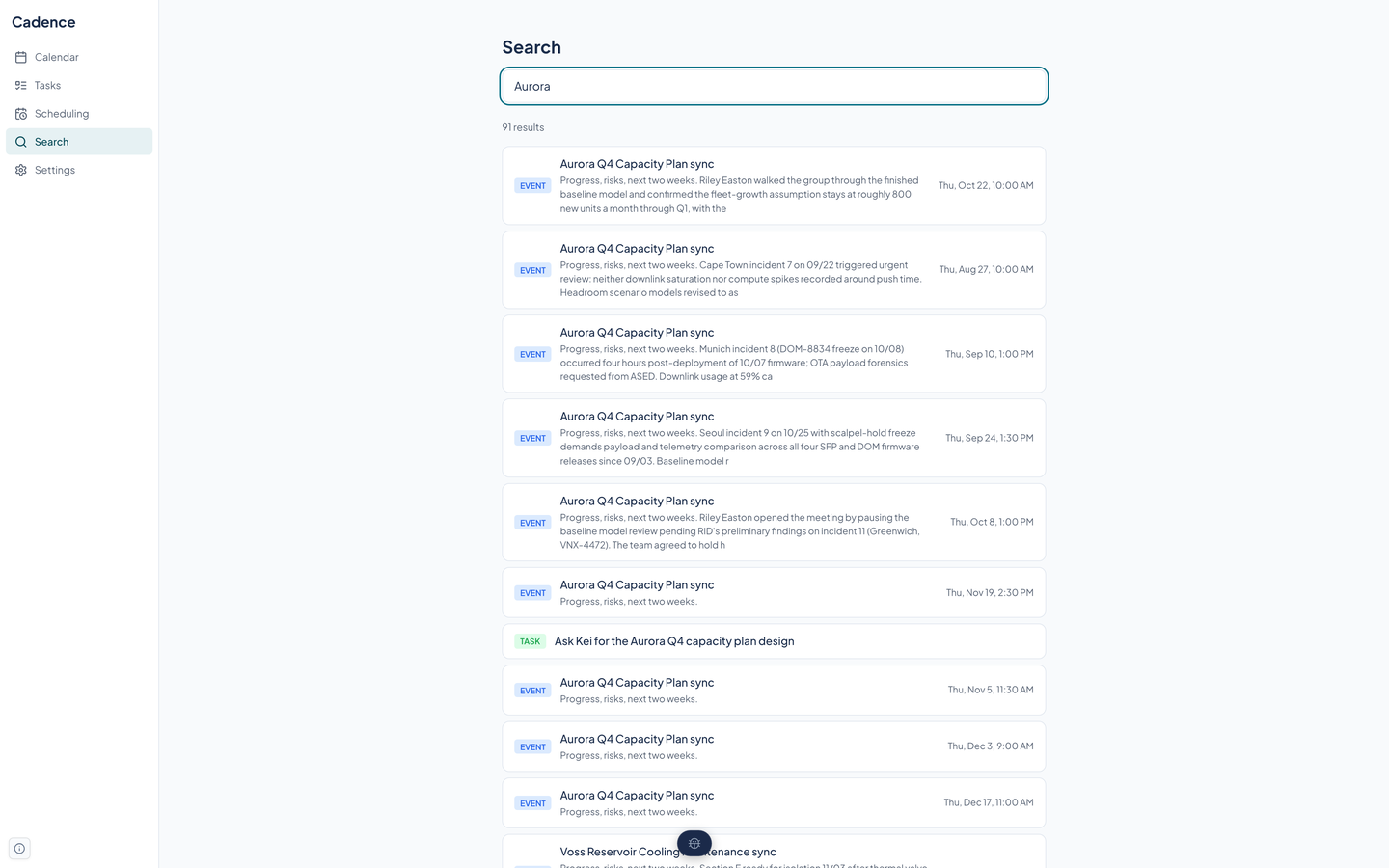
One box searches event titles, descriptions, and places, and task titles and notes. Results come back best match first with a count, and typing the start of a word finds it.
A search can be narrowed by a start and end date or by calendar through the API. Field terms such as title and location are understood in the query.
Search uses PostgreSQL full-text vectors. They are kept current by database triggers added on 10/29/2026; before that, nothing filled them and search returned no results.
Questions about this tool?
Write to Renkara Media Group and a person will answer.