
Seven views, one week you can read.
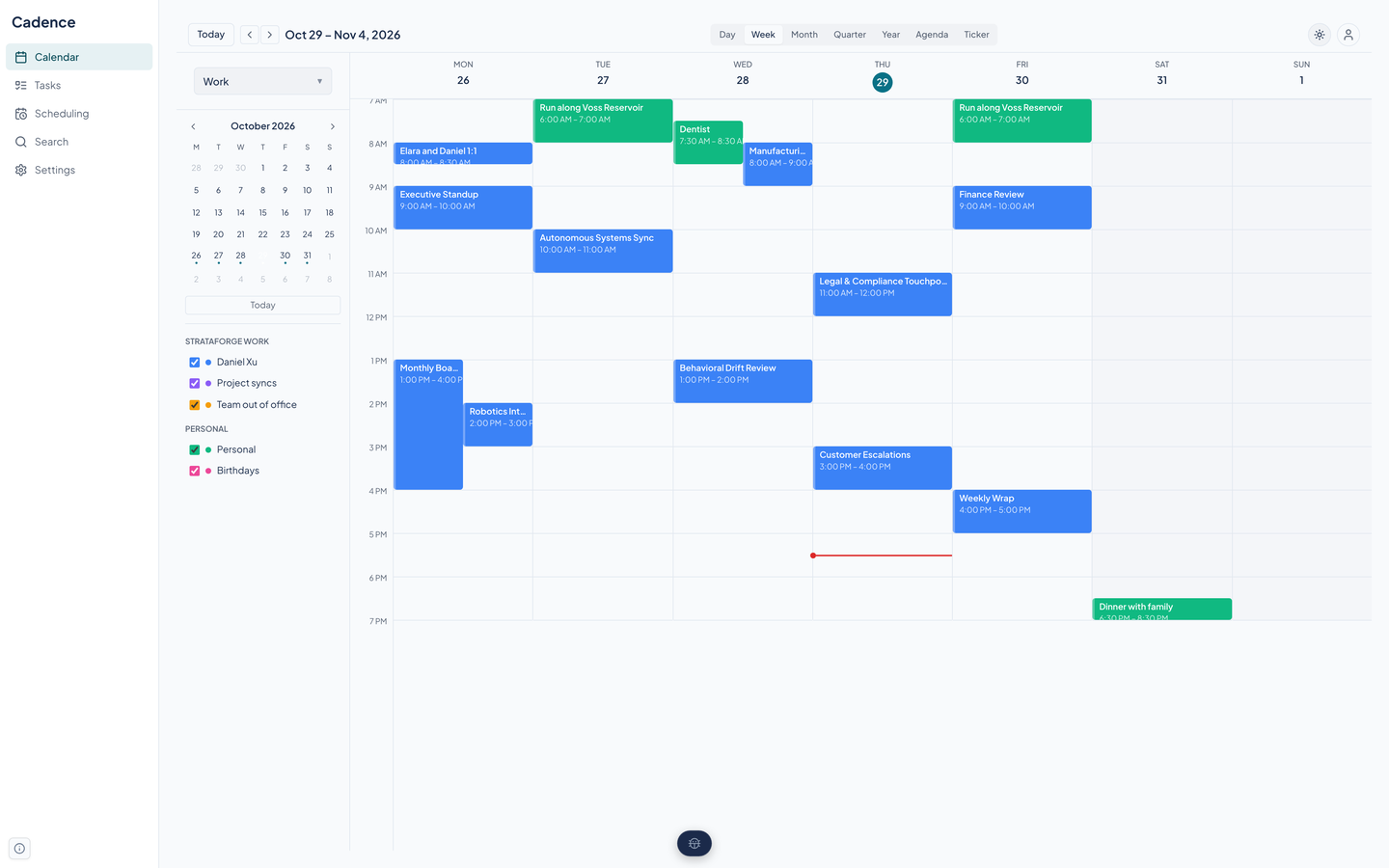
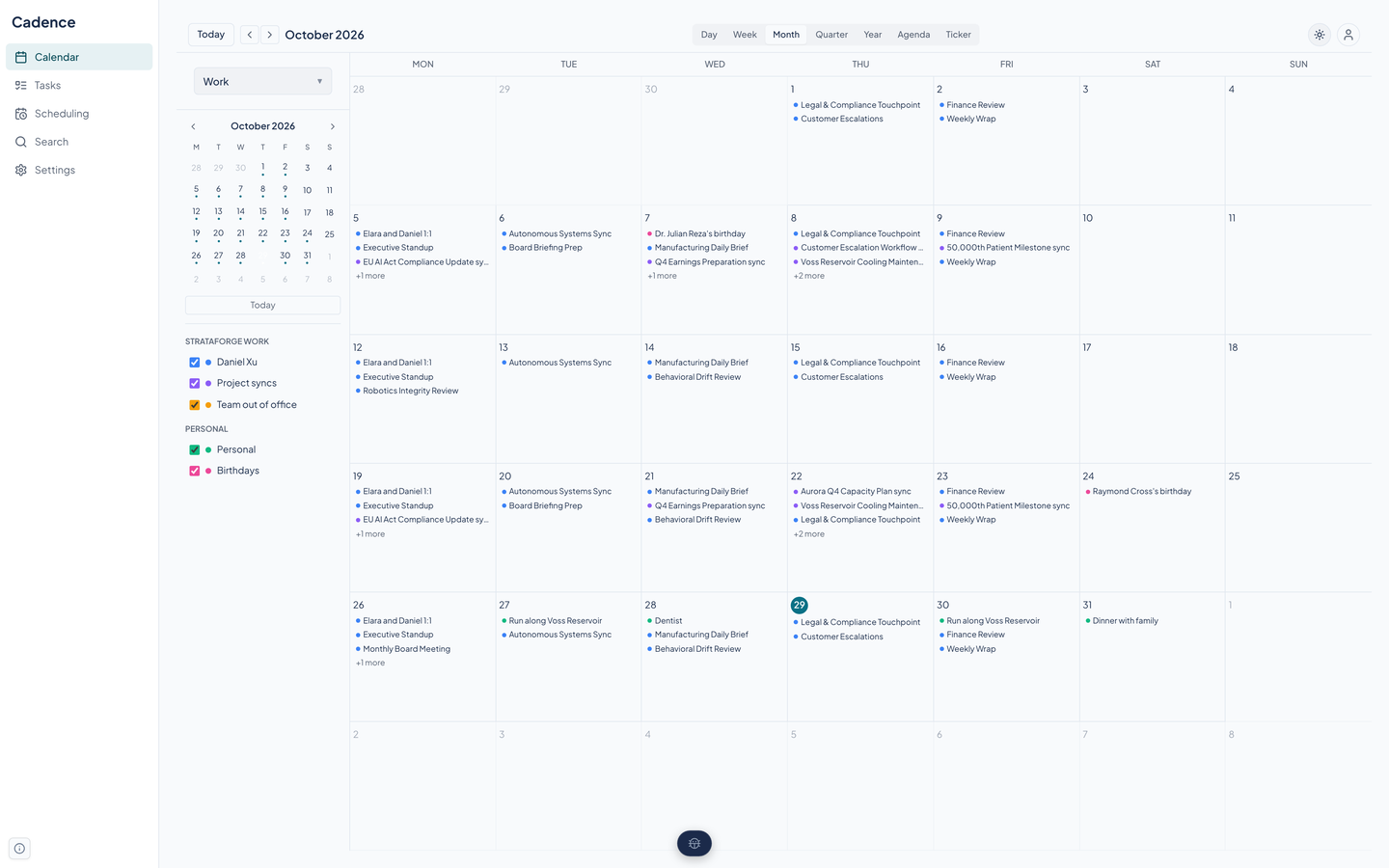
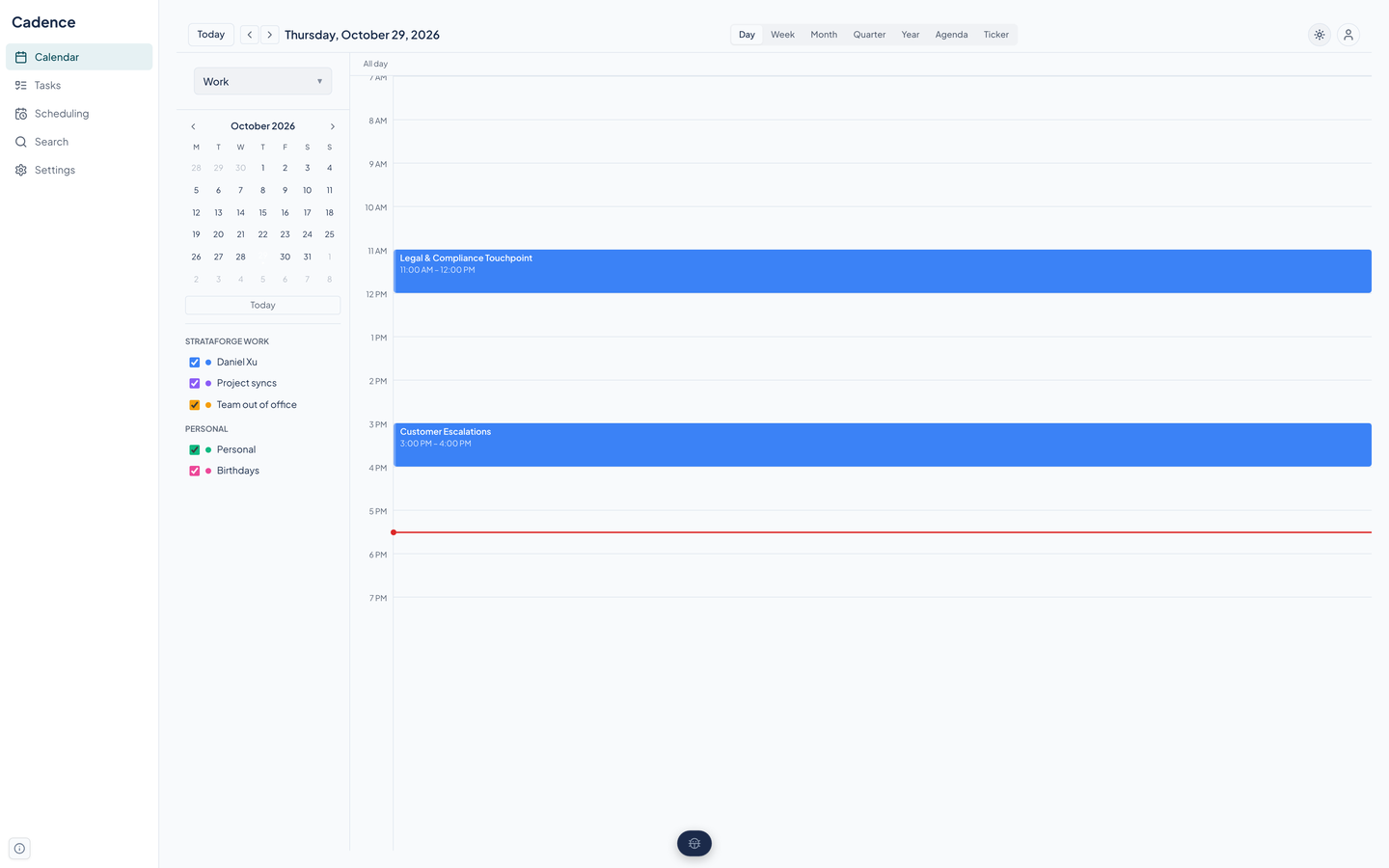
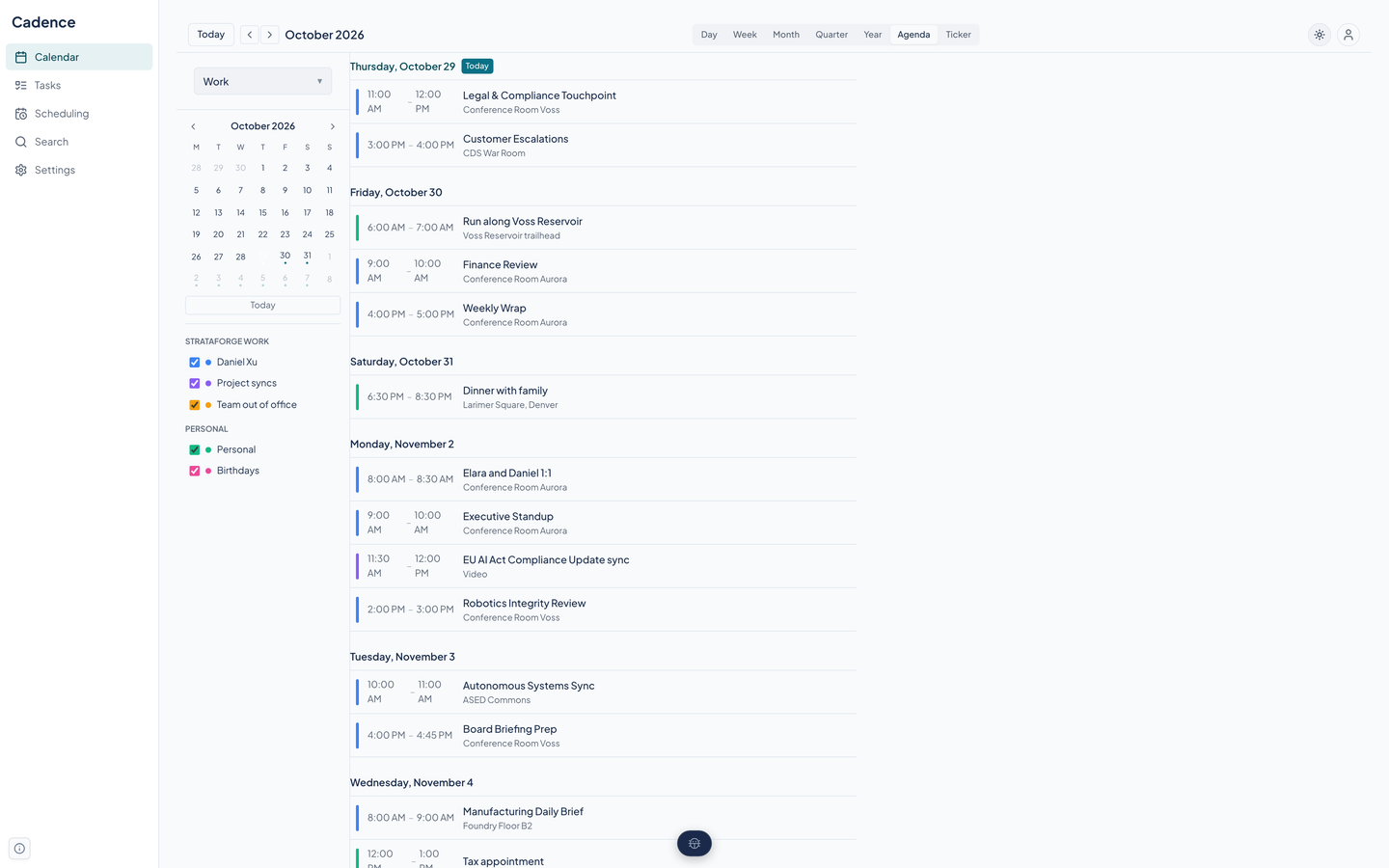
The web app shows every calendar you have connected in one place, one color per calendar. Pick the view that fits the question, and pick a calendar set so work stays out of your evenings. Every image on this page is a real capture of Cadence running on the fictional StrataForge Robotics calendar of Daniel Xu, Chief of Staff.
Seven views
Switch from the bar at the top of the calendar, or press a key.
| Day (D) | One day by the hour, with an all-day row and a red line at the current time. |
|---|---|
| Week (W) | Seven days side by side. Meetings that overlap sit next to each other instead of stacking. |
| Month (M) | A month grid. Each day lists its meetings and says how many more it cannot fit. |
| Quarter | Three months at once, for planning further out. |
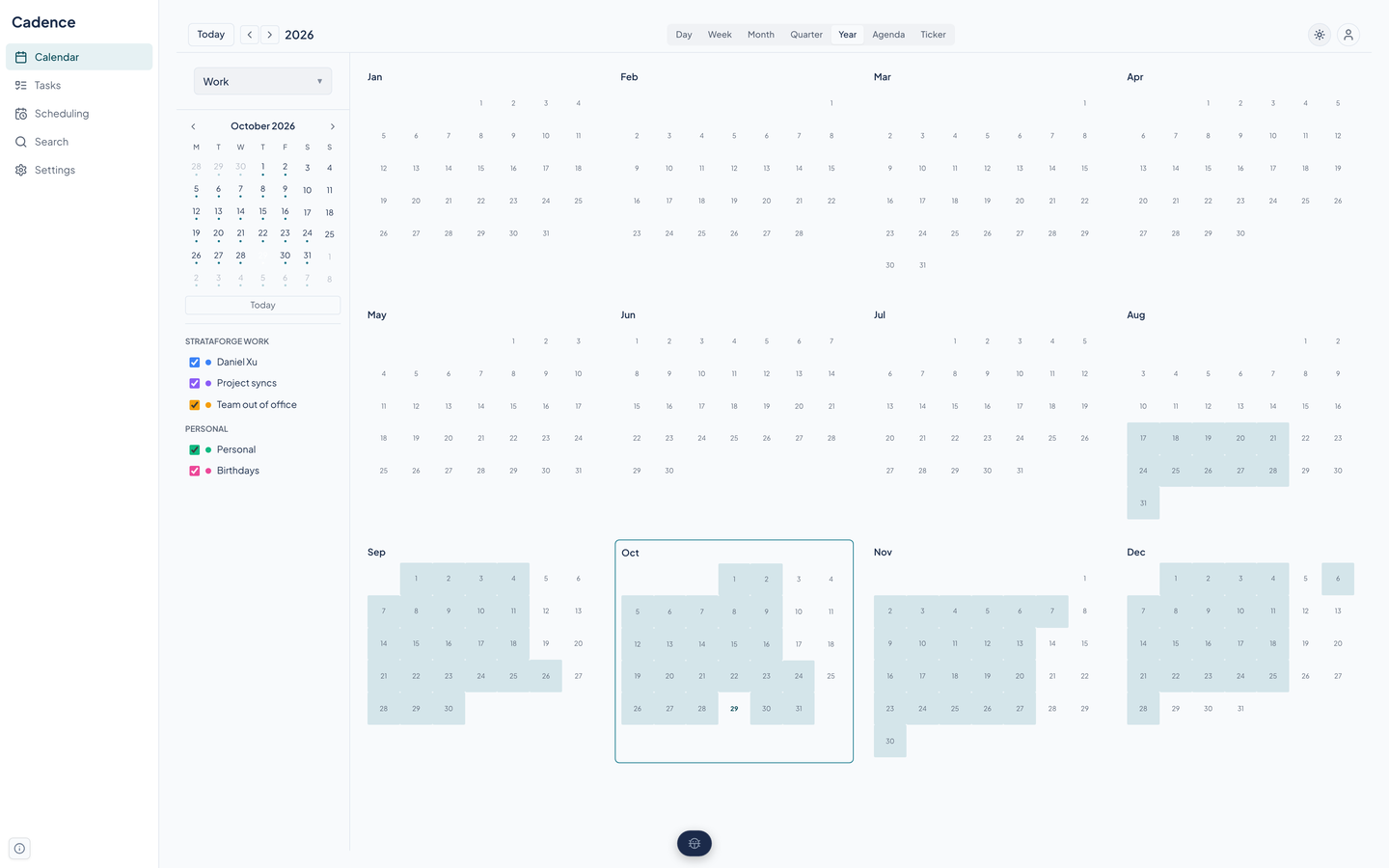
| Year (Y) | Twelve small months with the days that have events shaded. Click a day or a month to dive in. |
| Agenda (A) | A scrolling list of what is coming, grouped by day. |
| Ticker | The next 14 days as a strip you can scan, in the style of Fantastical's ticker. |
Calendar sets keep work and life apart
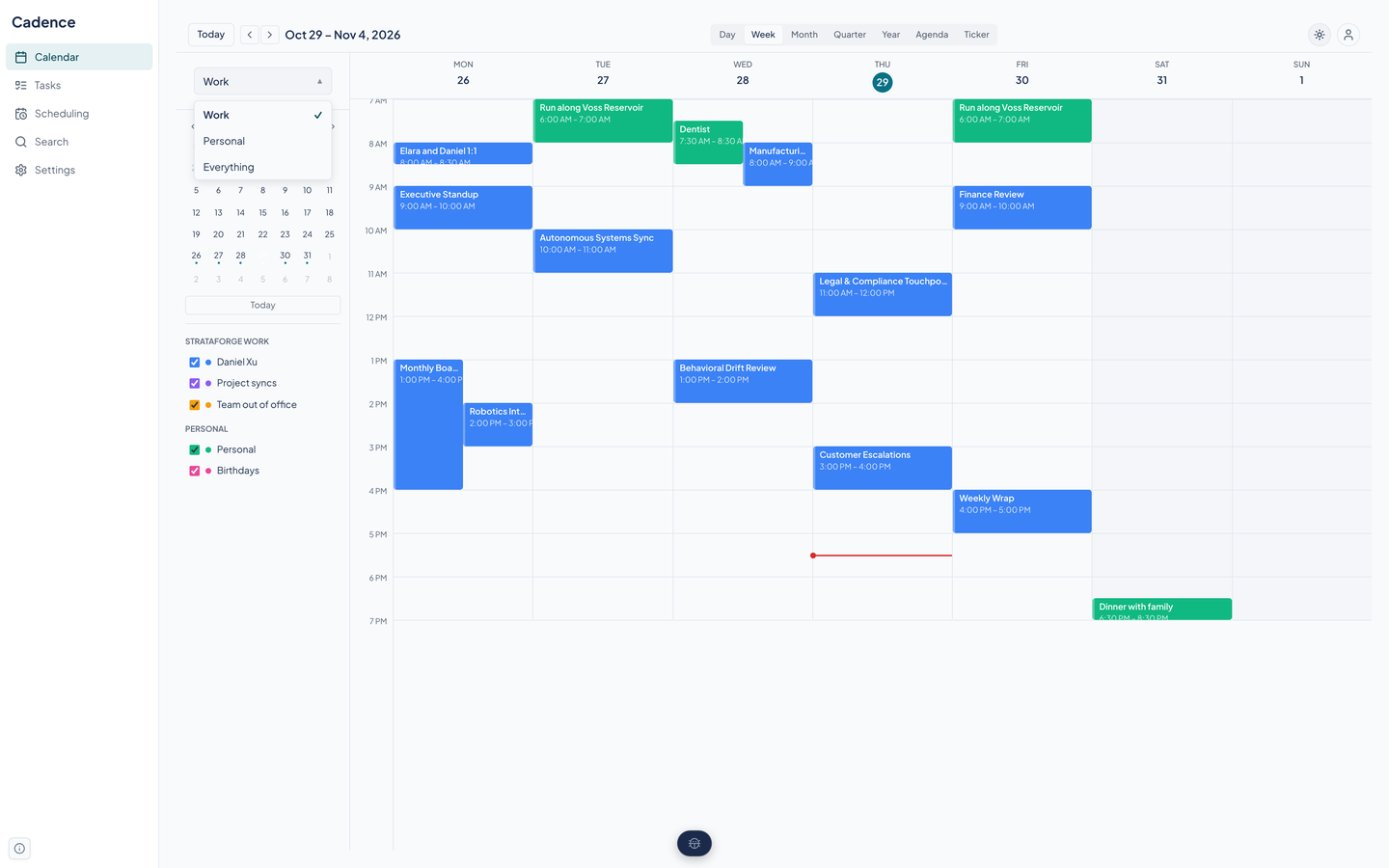
A calendar set is a named group of calendars. Cadence's sample set up has Work, Personal, and Everything. Choose one from the switcher above the mini calendar and the views, the mini calendar's dots, and the list below it all follow.
Calendars are grouped by the account they came from, and each has its own color and a check box to turn it on or off without leaving the set.
- Sets are created, renamed, and deleted through the API and agent tools. The switcher in the web app only switches.
- Switching is a click. Switching by day and time is not supported.
Events and repeats
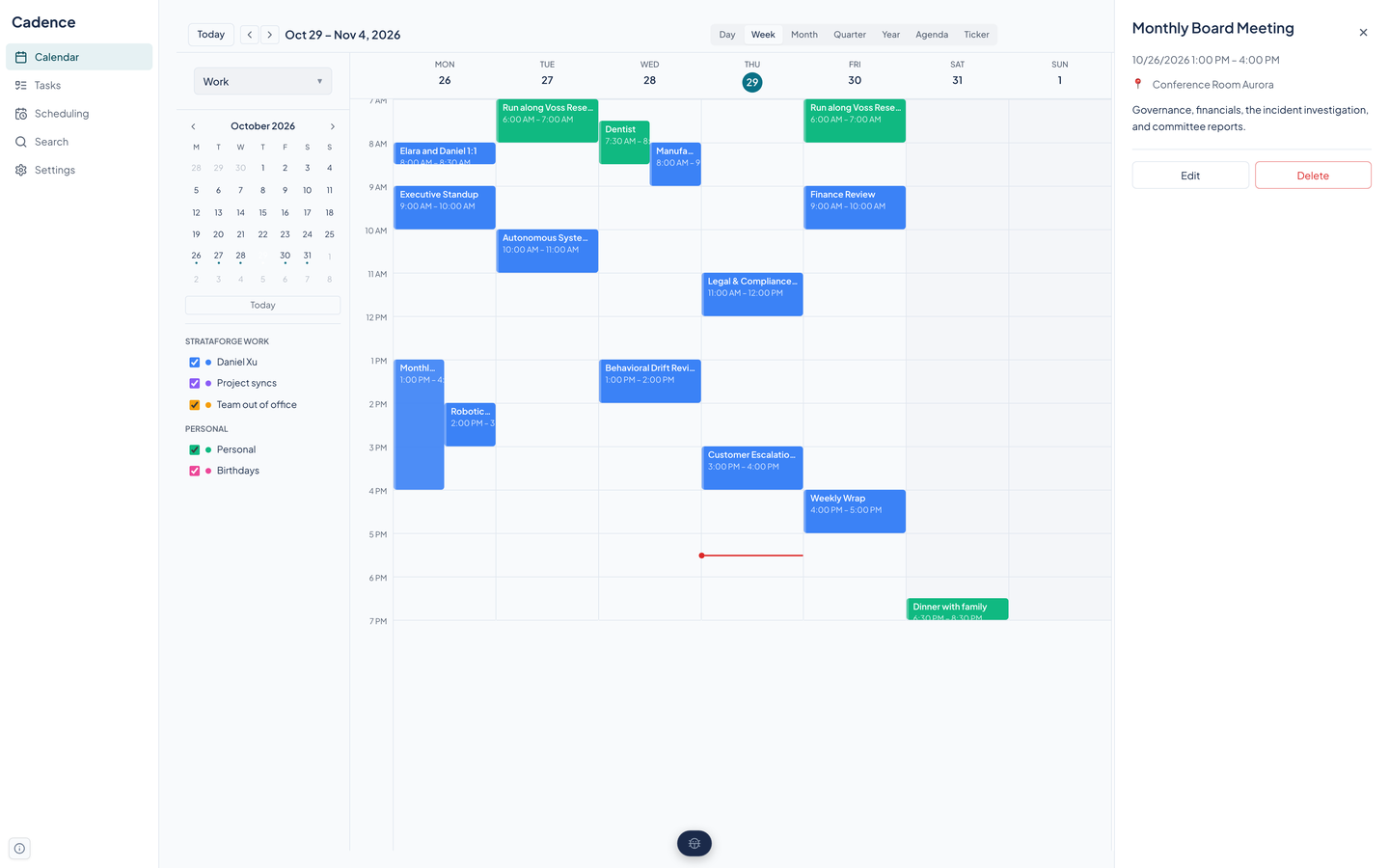
Click an event to open its panel: title, date and time, place, and notes. Delete asks what you mean when the event repeats: just this one, this and the ones after it, or the whole series.
Repeats use the iCalendar rule format, so an event that repeats on a provider's calendar repeats the same way here.
Events reach Cadence from your connected accounts, from a booking, and from the API and agent tools. Creating and editing one in the web app is not built yet; the Edit button on the panel does nothing today.
Keyboard shortcuts
Shortcuts work when focus is not in a text field. Press the question mark to see the same list in the app.
| D, W, M, Y, A | Day, Week, Month, Year, and Agenda views |
|---|---|
| Left and right arrows | Previous and next period |
| . | Jump to today |
| Escape | Close the open panel |
| ? | Show or hide the shortcut list |
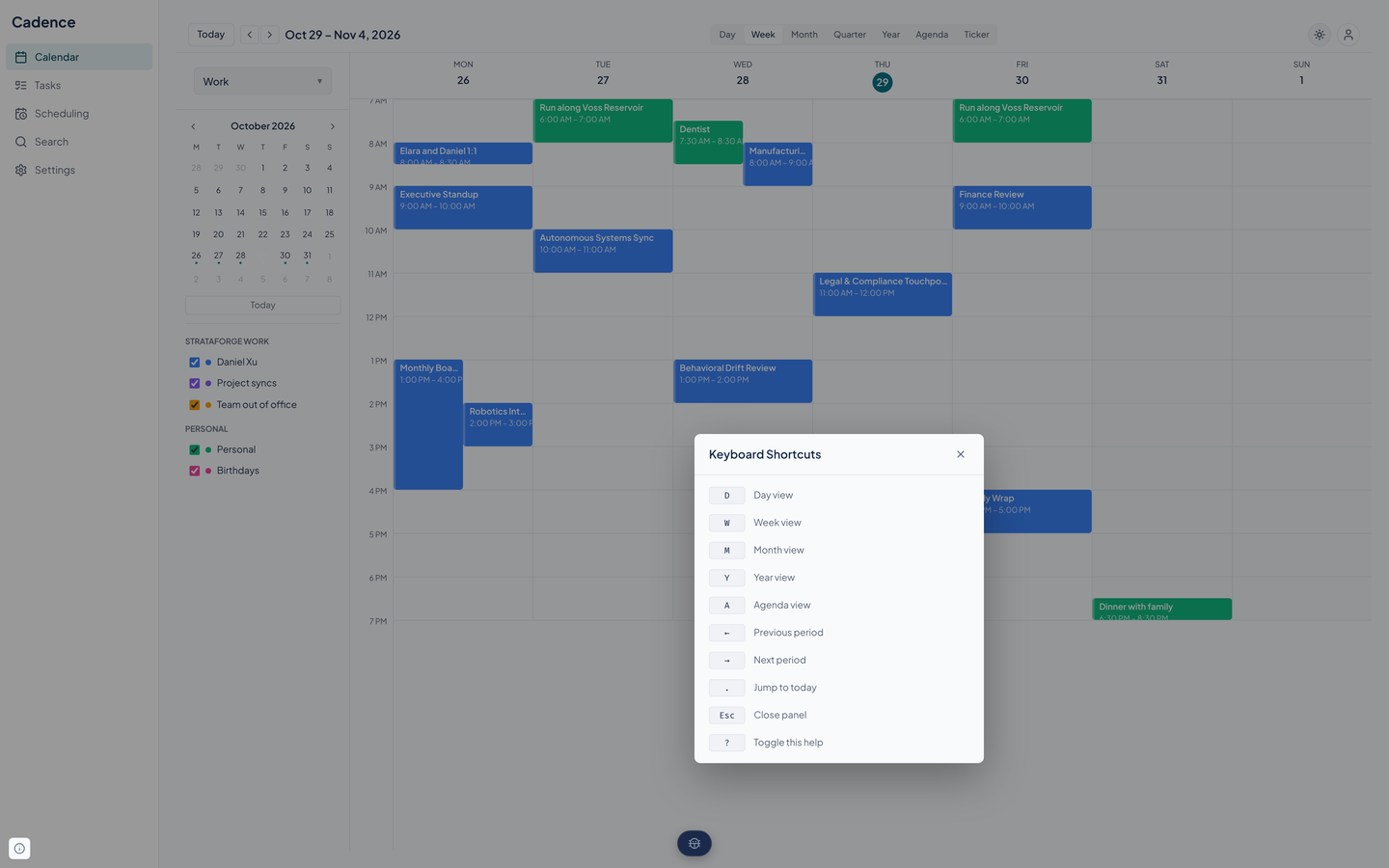
The Quarter and Ticker views have no shortcut, and nobody has walked the whole app with only a keyboard. The Accessibility page says exactly what has and has not been checked.
Your hours, your zone, your theme
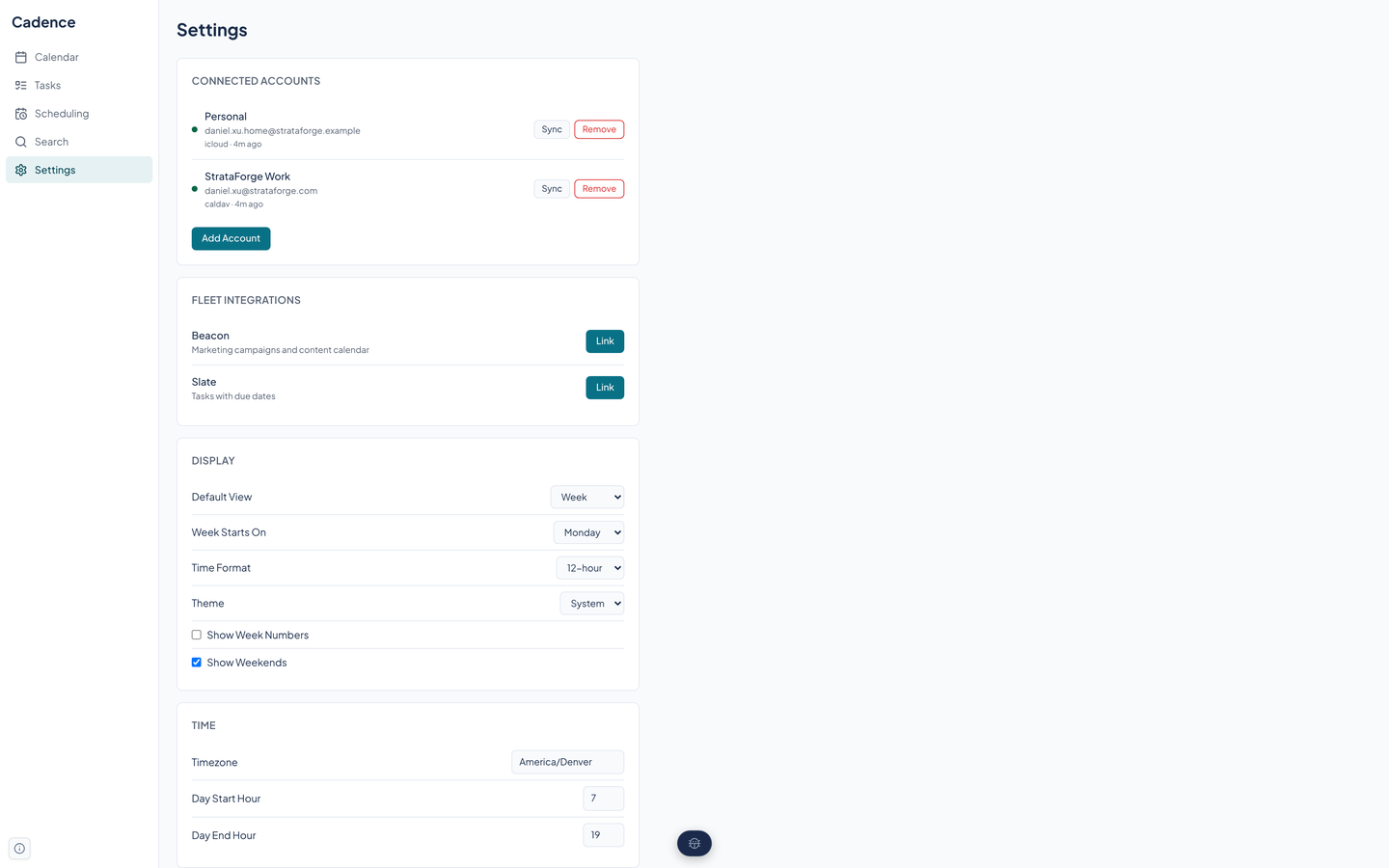
Settings hold the default view, the first day of the week, a 12 or 24-hour clock, whether week numbers and weekends show, the hours the day grid covers, your time zone and favorite zones, the temperature unit, and light, dark, or system theme.
Questions about this tool?
Write to Renkara Media Group and a person will answer.