
Meetings that book themselves.
Most scheduling is a pile of emails asking which day works. Cadence has three ways to skip them: a booking link for open hours, a poll for a group, and an approved proposal for outreach. All three put the result on your calendar, and none needs the other person to have an account.

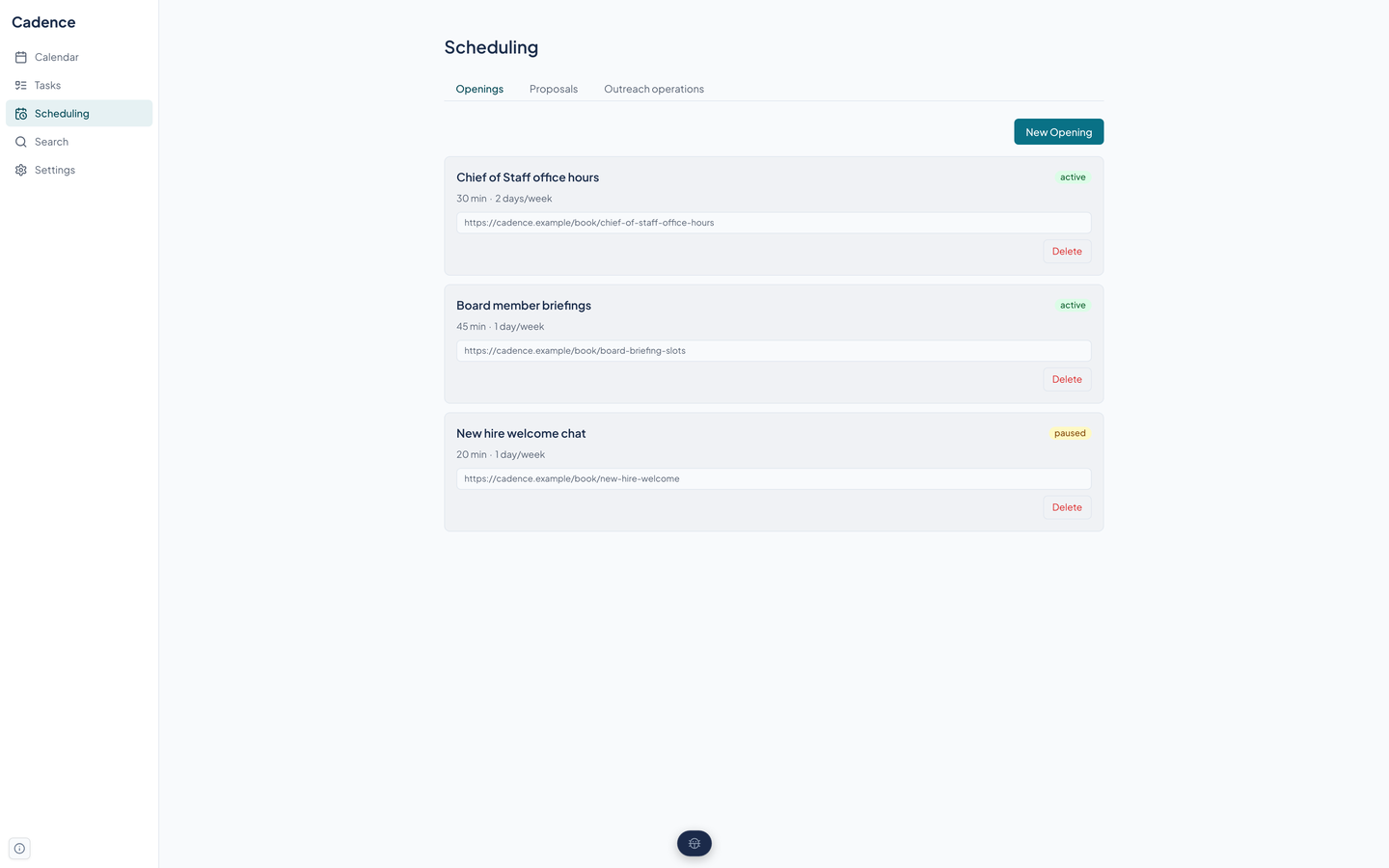
Openings: a link for your open hours
An opening is a booking link with rules.
- Weekly windows, such as Mondays and Wednesdays from 1:00 to 3:00 in the afternoon, in the time zone you choose.
- A meeting length, buffer time before and after, a minimum notice, how many days ahead people can book, and an optional limit per day.
- Open slots are computed against your busy time on the calendars you pick, minus bookings already made, with the buffers applied.
- An opening can be active, paused, or expired. A paused one shows no slots.
What the invitee sees
Open the link
A public page at a link ending in the opening's name lists the free slots. No account or sign-in.
Pick a slot
The invitee chooses a time, then adds a name, an email address, and optional notes.
Done
Cadence records the booking and, when the opening names a calendar, creates the event on it. The page does not send a confirmation email yet.
Public endpoints are rate limited per address.
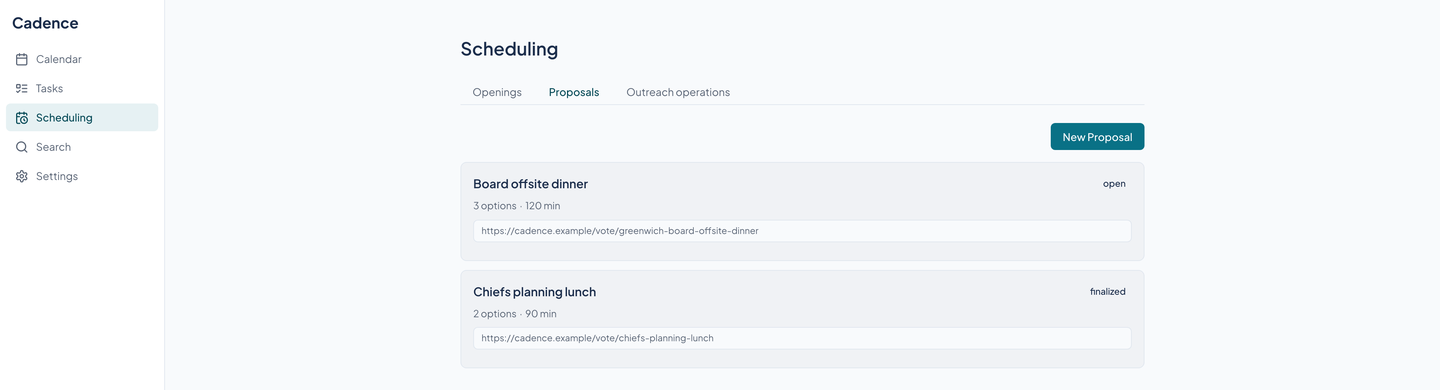
Proposals: a poll for a group
Offer several candidate times and share one link. Each person votes yes, no, or if needed on every option from a public page.
When you pick the winner, the proposal is finalized and, when it names a calendar, Cadence creates the event with the yes voters listed in its notes.
Outreach proposals for Beacon
A stricter flow for scheduling that another fleet tool starts on someone's behalf.
Delivery to a provider calendar is tracked as an operation with retries and a clear failed or uncertain state, and the Outreach operations tab on the Scheduling page shows it.
- Preview, then approve
- Beacon asks Cadence for a proposal and gets a proof. The proposal is tied to a content hash, so an approval for one wording cannot activate a different one.
- Checked again at the last moment
- Before it goes live Cadence rechecks every proposed window against your busy events. A conflict returns a new preview that needs a new approval.
- Hold, then confirm
- An invitee picks a window from a private link. The window is held for a short time, and nothing is booked until they confirm.
- Reschedule and cancel
- The invitee can respond, move the meeting to a replacement window, or cancel. Each change is a versioned step that rechecks the calendar.
Questions about this tool?
Write to Renkara Media Group and a person will answer.